OPNsense
The best mini PC for OPNsense is rarely the one with the longest feature list. What decides whether a small fanless box makes a good firewall is a short set of practical criteria: at least two proper network ports with well supported chips, a 64 bit CPU with enough headroom for the services you plan to run, memory and storage that match the official hardware tiers, a console you can actually reach, and power and cooling that suit a machine that never switches off. This guide works through those criteria in the order they should influence your decision, so you can judge any candidate box on its merits rather than its marketing.
Start with the job, not the product page
Before comparing boxes, write down what yours has to do. Your connection speed, the number of users and devices, and the services you intend to enable (VPN, intrusion detection, reporting, plugins) determine how much CPU and memory you need. The official tiers are the yardstick: 4 GB of RAM with an SSD is the reasonable tier that runs every feature at modest load, and 8 GB with a larger SSD is the recommended tier. Our hardware requirements guide explains those tiers in detail; use it to set your minimum specification first, then shop against it.
Two shoppers can look at the same mini PC and reach opposite conclusions, both correct. A box that is generous for a home connection and a handful of devices may be undersized for a small office running intrusion detection at full line rate. The criteria below are stable; the weight you give each one depends on your list.
Network ports: the deciding factor
More buying decisions should be made on network ports than on any other specification, because the ports are the one thing you cannot upgrade later on a sealed fanless box.
Count the ports first
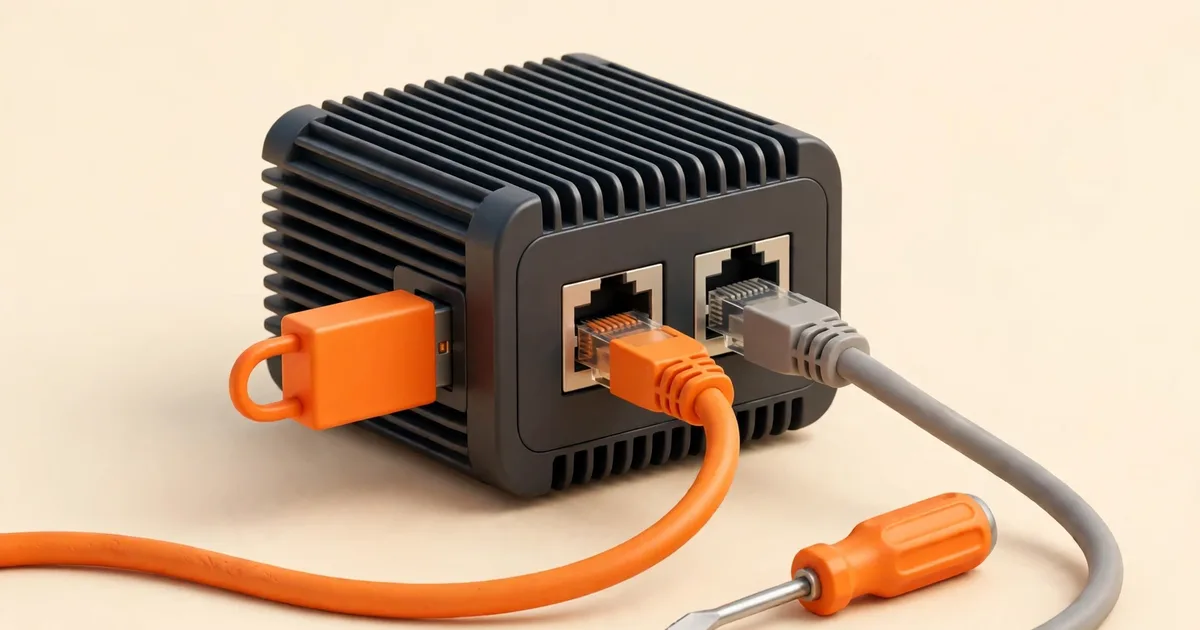
A normal firewall layout needs at least two Ethernet ports: one for the WAN connection to your modem or fibre terminal, and one for your LAN. Boxes with more ports give you options later, such as a separate port for a guest network, a management network or a second internet connection, without resorting to VLAN tricks. A single port box is not a firewall platform for most people; it forces you into a VLAN based design with a managed switch from day one.
Look at the chips behind the ports
The official OPNsense hardware guide recommends Intel network interfaces, and notes that compatibility follows FreeBSD, since all FreeBSD drivers are in the kernel. In buying terms: prefer a box whose Ethernet ports are Intel based. Listings for firewall oriented mini PCs usually state the NIC model in the specification table; if a listing hides the chip behind vague wording like "gigabit LAN", treat that as a question to ask the seller, not a detail to skip.
Match port speed to your connection, with headroom
Your ports should be at least as fast as the connection they carry, and it is sensible to buy above your current line speed if an upgrade is plausible, because the box will likely outlive your present contract. A firewall whose LAN port is slower than the network behind it becomes the bottleneck for everything, including traffic that never touches the internet.
CPU: enough for your services, not just for routing
Plain routing and firewalling are light work, and almost any modern 64 bit x86 processor in a current mini PC clears the official CPU bars (1 GHz dual core at the lower tiers, 1.5 GHz multi core at the recommended tier). The CPU starts to matter when you add per packet work:
- VPN traffic is encrypted and decrypted packet by packet. If a tunnel must run at your full line speed, CPU strength decides whether it can.
- Intrusion detection and prevention inspects traffic continuously and is the heaviest common workload.
- Many simultaneous users multiply everything above.
When comparing processors, favour a modern low power design with several cores over an older, hotter chip with a higher headline clock speed. Also check that the CPU offers hardware acceleration for encryption (most current x86 processors do; confirm it in the specification rather than assuming). And confirm the obvious: OPNsense is published for x86-64 (amd64) only, so any ARM based box is out, whatever its other merits.
Memory and storage: buy the tier, not the minimum
Memory in a mini PC is often soldered or limited to a single slot, so buy for the tier you intend to run, not the tier you can get away with today. Four gigabytes is the reasonable floor for a full installation; eight gigabytes is the recommended tier and the safer purchase if intrusion detection, reporting or several plugins are on your list. Remember that the installer itself needs 3 GB of RAM to run, so a 2 GB configuration is not a bargain at any price.
For storage, an internal SSD is the right default for a full install: the reasonable tier pairs memory with a 40 GB SSD and the recommended tier with 120 GB. A full installation writes logs continuously and keeps them across reboots, and features such as the IDS/IPS alert database grow over time. If a box offers only SD or CF card storage, it is pointing you at the nano image and its embedded limits instead; that is a deliberate design choice for appliances, not a saving to stumble into. Our nano image guide explains what that choice involves.
Console access: how will you talk to it?
Every firewall eventually needs local access: during installation, and on the bad day when the network configuration is the thing that is broken. Check how a candidate box offers it.
- A display output and USB ports let you attach a monitor and keyboard and use the VGA installer like any PC. This is the most forgiving arrangement for a first install.
- A serial console port is common on firewall oriented appliances and works well, but it means installing with the serial image and a terminal at 115200 baud. If you are considering a serial only box, read our serial console setup guide before you buy, so the cable and the workflow are familiar rather than a surprise.
- Both is the comfortable option: install with whichever is easier, keep the other as a fallback.
What you want to avoid is a box whose only console path you have never used, discovered for the first time with the internet down.
Power, heat and noise: the 24/7 criteria
A firewall runs all day, every day, so small numbers compound. A fanless design has real advantages here: no fan to fail or clog, no noise, and a sealed case that shrugs off dust. The trade off is that a fanless box sheds heat through its case, which means two buying checks. First, the case should be a proper finned aluminium design rather than a smooth plastic shell; the fins are the cooling system. Second, plan its home: a ventilated shelf, not a sealed cupboard or a stack of warm equipment.
Power draw matters for running cost and for heat. Firewall mini PCs are generally low power devices, but check the adapter rating and any stated consumption figures, and remember that a box drawing a few watts less saves that energy every hour of every year. If you already own a candidate machine, our hardware guide's notes on reusing older hardware cover the same calculation.
Firmware and boot behaviour worth checking
A few unglamorous details decide whether installation day is smooth:
- The firmware setup can be entered easily, and boot order can be changed so the machine starts from a USB installer.
- The box can be set to power back on automatically after an outage. A firewall that stays off after a power cut is a network outage waiting to happen.
- Wake and boot settings survive a flat battery or a long storage period without reverting to something unhelpful.
- If the installer media is ignored or boot fails, firmware settings such as Secure Boot can be reviewed and adjusted. Having access matters more than any particular default.
How many ports do you really need?
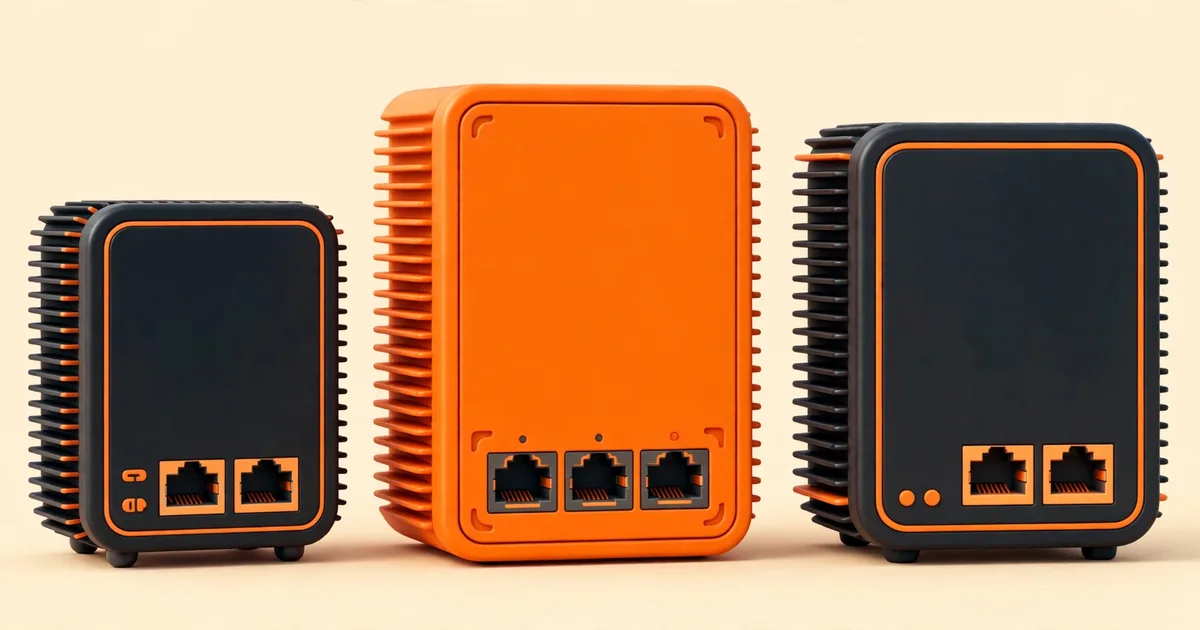
Two ports run a firewall; extra ports buy you future options. Think about the networks you might want within the life of the box. A guest wireless network kept apart from your own devices, a separate segment for smart home gadgets, a work laptop network, or a second internet connection for failover all become simple when a spare physical port is waiting. Each can also be done with VLANs on a single LAN port plus a managed switch, and many people do exactly that, but a spare port is the simpler tool and costs little at purchase time.
The balance to strike is against waste. A rack of unused ports adds cost and, on some designs, idle power draw. For most homes and small offices, somewhere between two and four ports covers the realistic futures. Decide by naming the segments you genuinely expect, not by imagining every possibility.
Small physical details that matter later
- Port layout and labelling. Ports you can identify without a flashlight make installation and later changes calmer. When the installer asks you to assign interfaces, knowing which physical socket is which is half the task.
- Link lights. Visible activity LEDs on the ports are a genuine diagnostic tool: they confirm cables, speed negotiation and which port the system is using.
- USB ports. You need at least one for the installer stick and a keyboard during setup; a spare is handy.
- Mounting and placement. Some boxes offer wall or DIN rail mounting options. Decide where the box will live (near the modem or fibre terminal, with cable runs you can actually make) before you buy, not after.
- A proper power supply. The included adapter should be a standard, replaceable unit. A firewall is only as reliable as the small brick feeding it.
New, used, or the machine you already have?
Nothing about OPNsense requires new hardware. A used small form factor PC or a previous generation fanless appliance that meets the criteria above can serve perfectly well, and the official tiers are modest enough that older 64 bit hardware often qualifies on CPU and memory. Apply the same checks without sentiment: count and identify the network ports, confirm the RAM against the installer floor of 3 GB and the tier you want, prefer an SSD over an ageing spinning disk, and think about the electricity an older, hungrier machine will use running around the clock. Where a used box falls short in exactly one place, such as a single network port in a machine with a free expansion slot, a second Intel based card can close the gap; where it falls short on the sealed, unchangeable parts of a fanless design, it is the wrong box.
The shortlist checklist
- At least two Ethernet ports, Intel based, at or above my line speed.
- 64 bit x86 CPU, modern and multi core, sized for my heaviest planned service.
- 4 GB of RAM minimum; 8 GB if I plan IDS/IPS, reporting or several plugins.
- An internal SSD (40 GB reasonable tier, 120 GB recommended tier), not card storage alone.
- A console I can use confidently: display output, serial port, or both.
- Fanless finned metal case, low power draw, and a ventilated place to put it.
- Firmware that allows USB boot and automatic restart after power loss.
Red flags when shopping
One network port
Unless you deliberately want a VLAN based single port design with a managed switch, one port is a reason to keep looking.
Unnamed network chips
A listing that will not say what its Ethernet controllers are is asking you to gamble on the component OPNsense talks to most. The official guidance favours Intel; buy with that in mind.
Card storage presented as a feature for a full install
SD and CF cards belong to the nano image's embedded model. A full installation that logs to a card is working against the media.
Specifications that stop at the CPU
Firewall suitability is decided by ports, memory, storage and console. A listing that leads with processor benchmarks and says nothing about those four is aimed at a different buyer.
Judge every candidate against the same written criteria and the official tiers, and the choice usually makes itself. Once you have your box, our step by step for installing OPNsense on a mini PC takes it from bare hardware to a running firewall.